
Power BI MCP ServerThe Complete Setup Guide for AI-Powered Semantic Modelling
For years, Power BI professionals have faced the same friction: manually writing DAX measures, copying model metadata into chat windows, and constantly switching between AI assistants and Power BI Desktop. The disconnect between generative AI and analytical BI tools created inefficiency at every step.
Enter the Model Context Protocol (MCP). Microsoft has officially released Power BI MCP servers, allowing AI models to read, query, and modify semantic models directly through natural language. Here is your complete guide to setting it up.

ACA | FMVA® | 19 Years in Finance
If your DAX needs work first, start with the 20% of DAX functions that matter.
What Is the Power BI MCP Server?
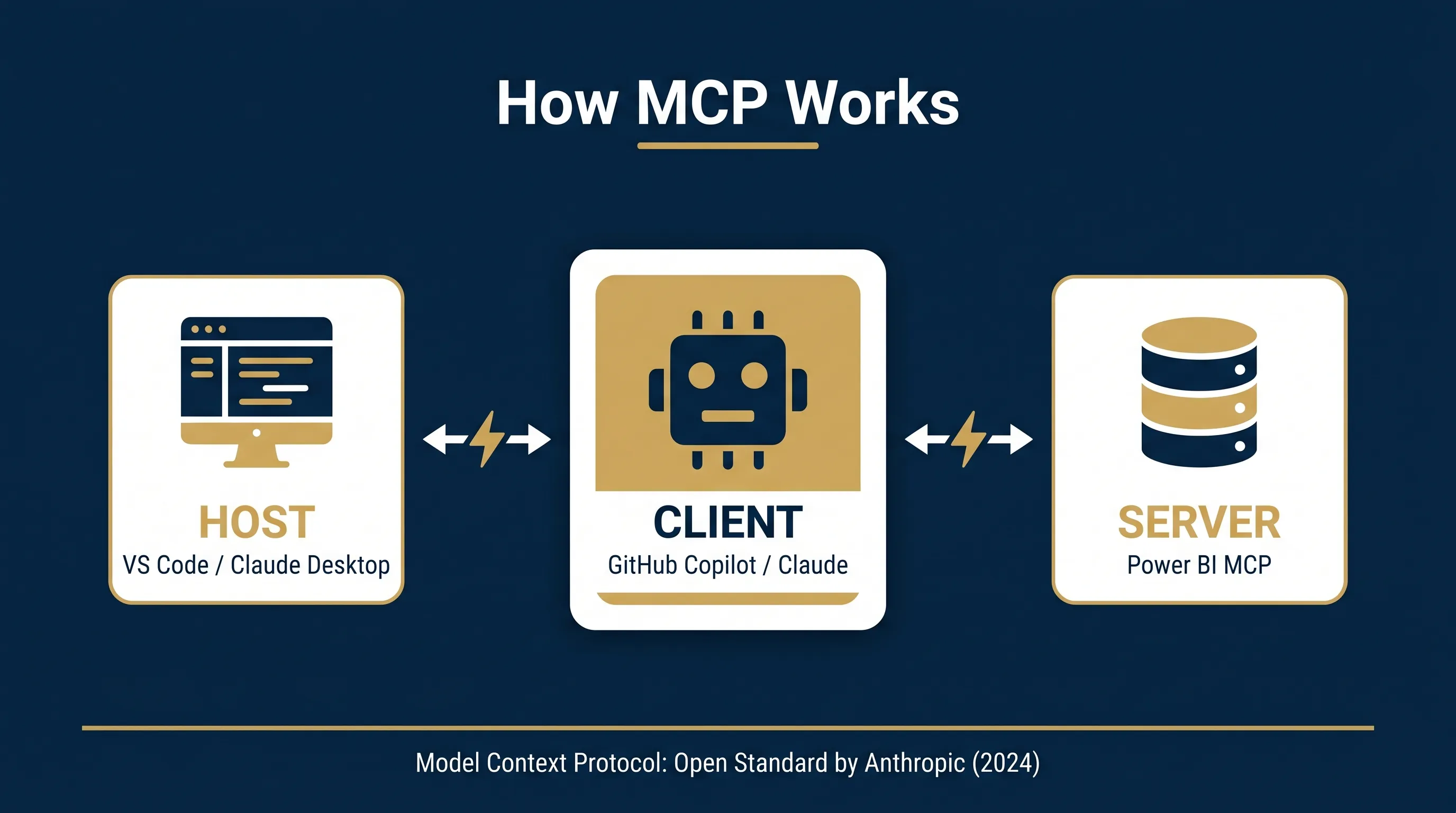
The Model Context Protocol (MCP) architecture consists of three components: the Host (such as VS Code or Claude Desktop), the Client (such as GitHub Copilot or Claude), and the Server (in this case, the Power BI MCP server). Think of MCP as a standardised “Type-C port” for AI: a universal interface that plugs AI into external systems without custom integrations.
Instead of building bespoke connectors for every tool, MCP provides a common protocol that any AI assistant can use to interact with Power BI semantic models. Much like how generative AI has transformed accounting reporting, Microsoft's implementation includes two distinct Power BI MCP servers, each serving different purposes.
Local vs Remote: The Two Power BI MCP Servers
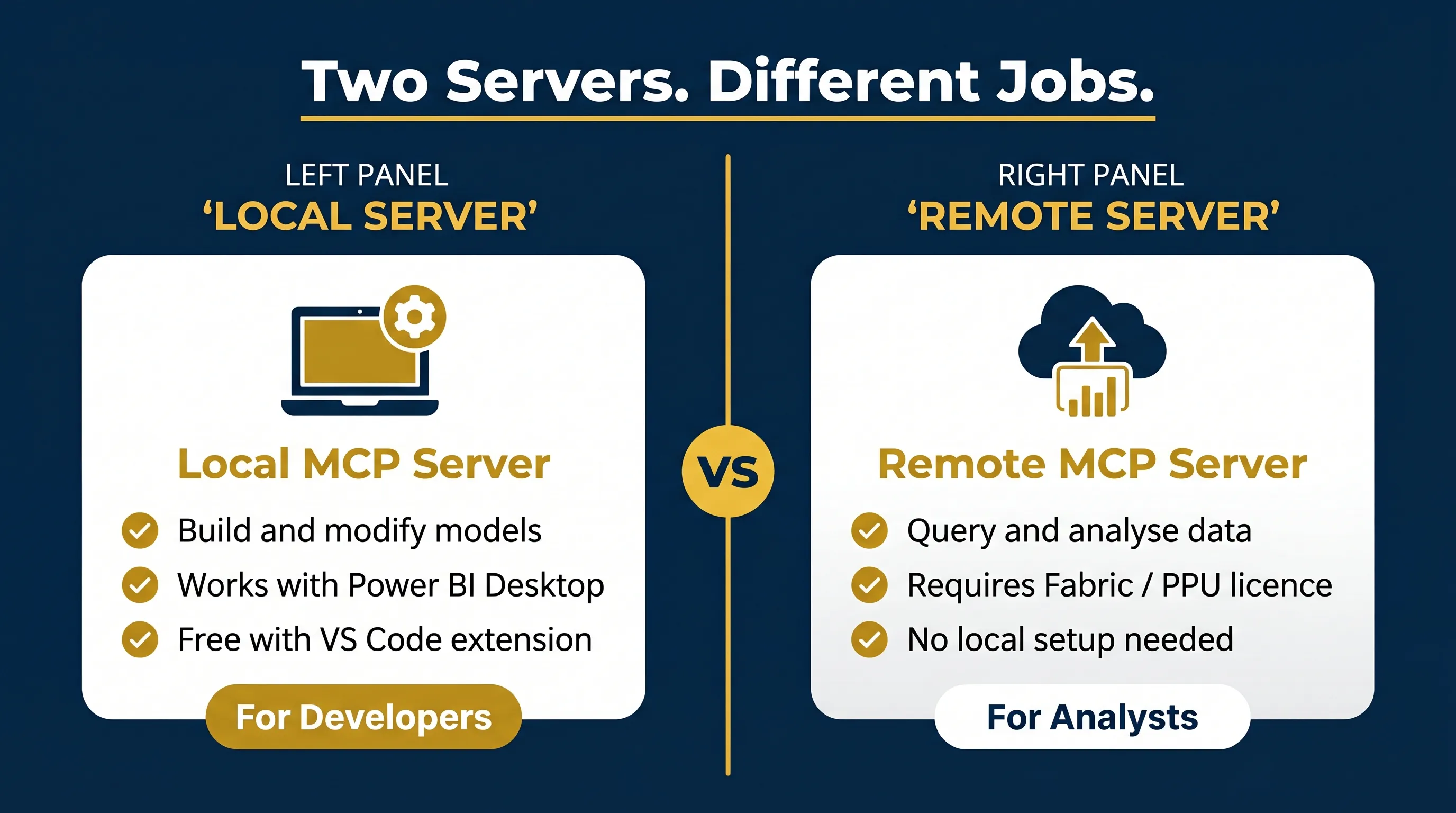
| Feature | Local MCP Server (Modeling) | Remote MCP Server |
|---|---|---|
| Purpose | Build and modify semantic models | Query data and generate insights |
| Where it runs | Your local machine | Microsoft cloud endpoint |
| Best for | Developers, model authors | Analysts, agent builders |
| Connects to | Power BI Desktop, Fabric workspaces, PBIP files | Fabric/cloud semantic models |
| DAX generation | Validate and test | Generate and execute via Copilot |
| Licence requirement | Power BI Desktop (free) or Fabric | Power BI with admin-enabled setting |
Available as a VS Code extension (“Power BI Modeling MCP Server” by Microsoft). Provides access to 20+ tool categories: tables, columns, measures, DAX execution, and more. Supports TMDL and PBIP files.
Note: Cannot modify report pages or diagram layouts.
Hosted endpoint using Copilot's DAX generation engine. Automatically respects existing RLS and security policies. Ideal for querying published models in Fabric without local installation. This pairs perfectly with automated financial reporting workflows.
Note: Requires admin enablement in tenant settings.
Setup Path 1: VS Code + GitHub Copilot [RECOMMENDED]
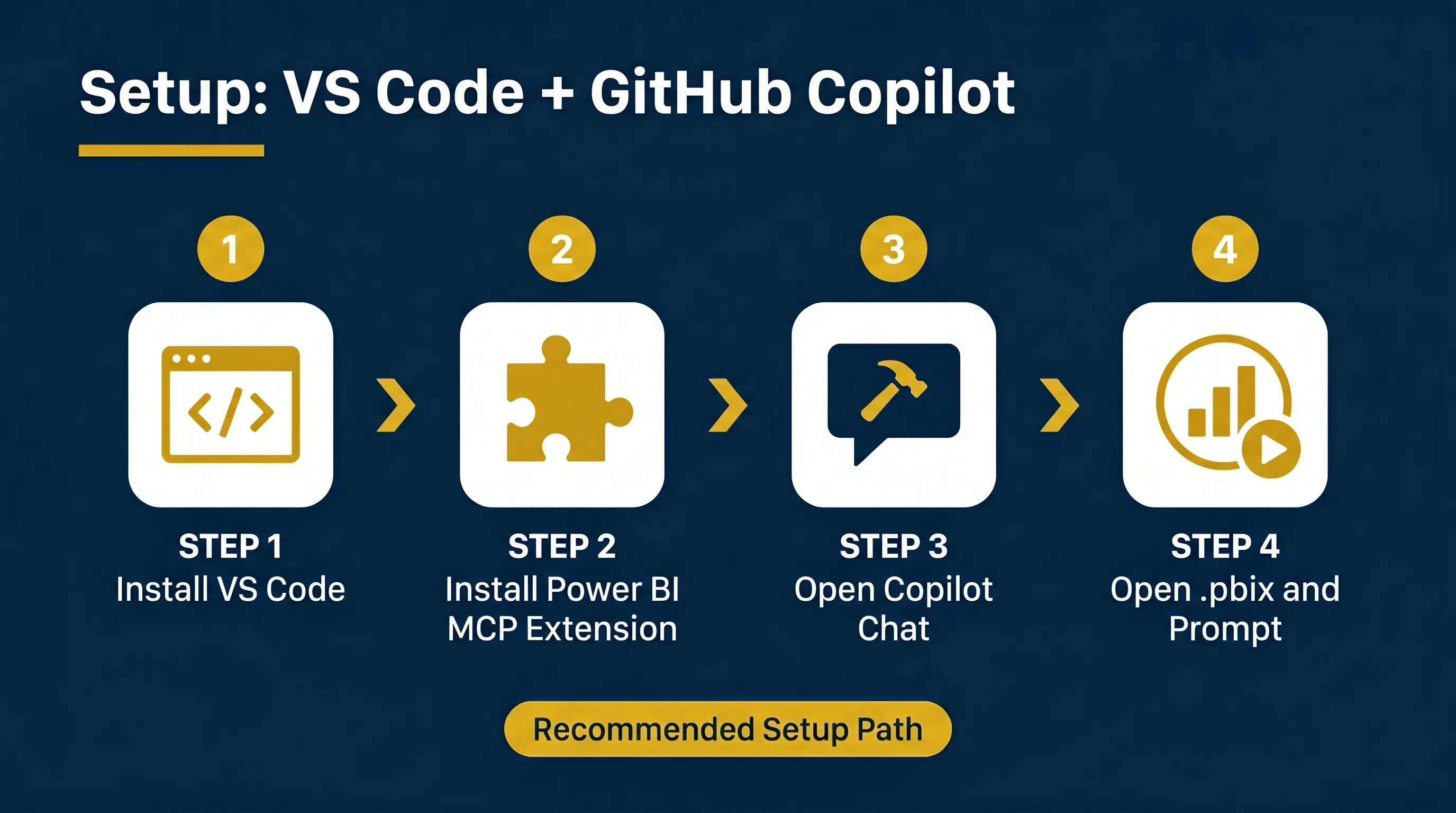
This is the recommended path for developers building models on their local machines using Power BI Desktop.
Installation Steps
Open VS Code. Go to Extensions (Ctrl+Shift+X).
Search “Power BI Modeling MCP Server” (Publisher: Analysis Services / Microsoft). Install it.
Open the GitHub Copilot Chat panel in VS Code.
Click the MCP tools icon (hammer icon) in the chat input area.
Confirm powerbi-modeling-mcp appears in the available tools list and is selected.
In Power BI Desktop, open the model you want to work with.
In Copilot Chat, type a command like: “Connect to my open Power BI Desktop file and list all measures.”
💡Pro Skill: Read-Only Mode
Start in --readonly mode when exploring a new model to prevent accidental changes. Configure it via VS Code User Settings by searching @ext:Microsoft.powerbi-modeling-mcp.
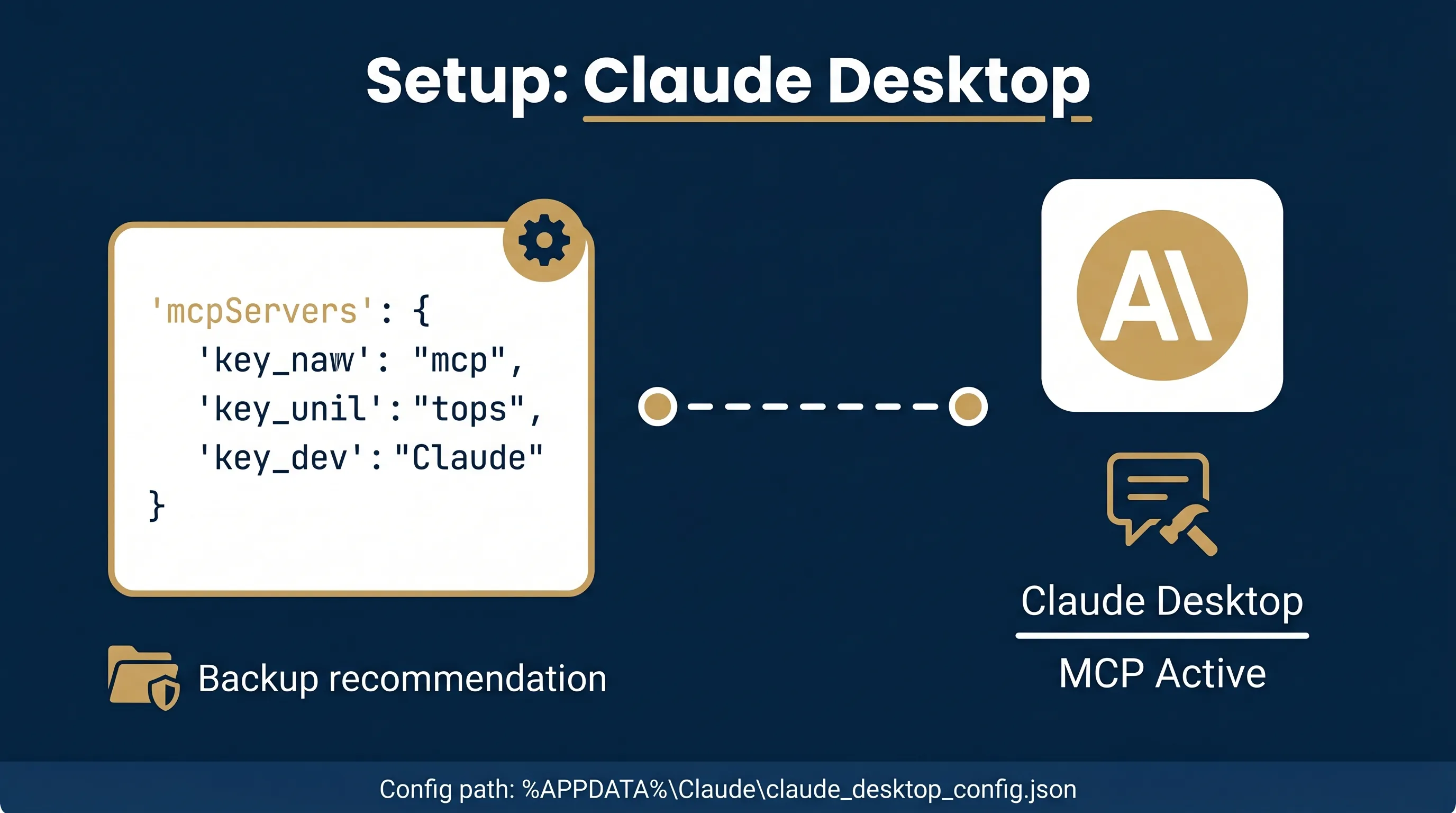
Setup Path 2: Claude Desktop (Local Server)
Claude Desktop supports MCP natively and works exceptionally well with the local Modeling Server. Perfect if you prefer Claude 3.5 Sonnet over GitHub Copilot.
- Install VS Code and the Power BI Modeling MCP extension first (this installs the required executable).
- Open File Explorer to:
%USERPROFILE%\.vscode\extensions\. Find theanalysis-services.powerbi-modeling-mcpfolder. Go into theserversubfolder. Right-clickpowerbi-modeling-mcp.exeand select Copy as Path. - Install Claude Desktop from claude.ai/download.
- Open Claude Desktop. Go to: File → Settings → Developer → Edit Config.
- Add the following JSON configuration (replace the path with your actual exe path, using double backslashes):
{
  "mcpServers": {
    "powerbi-modeling-mcp": {
      "command": "C:\\Users\\YourUsername\\.vscode\\extensions\\analysis-services.powerbi-modeling-mcp-0.1.9-win32-x64\\server\\powerbi-modeling-mcp.exe",
      "args": ["--start"]
    }
  }
}- Completely quit Claude Desktop and restart it.
- Look for the hammer icon in the chat input to confirm the server is active. Open Power BI Desktop, and start prompting!
Setup Path 3: Remote Power BI MCP Server (Cloud)
For users with models published to Microsoft Fabric or Power BI Service. Requires a Fabric capacity (F2+) or Power BI Premium Per User (PPU) licence.
- Admin Enablement: Tenant Admin must enable “Users can use the Power BI Model Context Protocol server endpoint (preview)” in Tenant Settings.
- Permissions: You need Build permissions on the target semantic model.
- Configuration: Add the HTTP endpoint to your MCP client:
{
  "servers": {
    "powerbi-remote": {
      "type": "http",
      "url": "https://api.fabric.microsoft.com/v1/mcp/powerbi"
    }
  }
}
Authenticate using Entra ID. RLS and data security policies are automatically enforced.
Practical Use Cases and Prompts
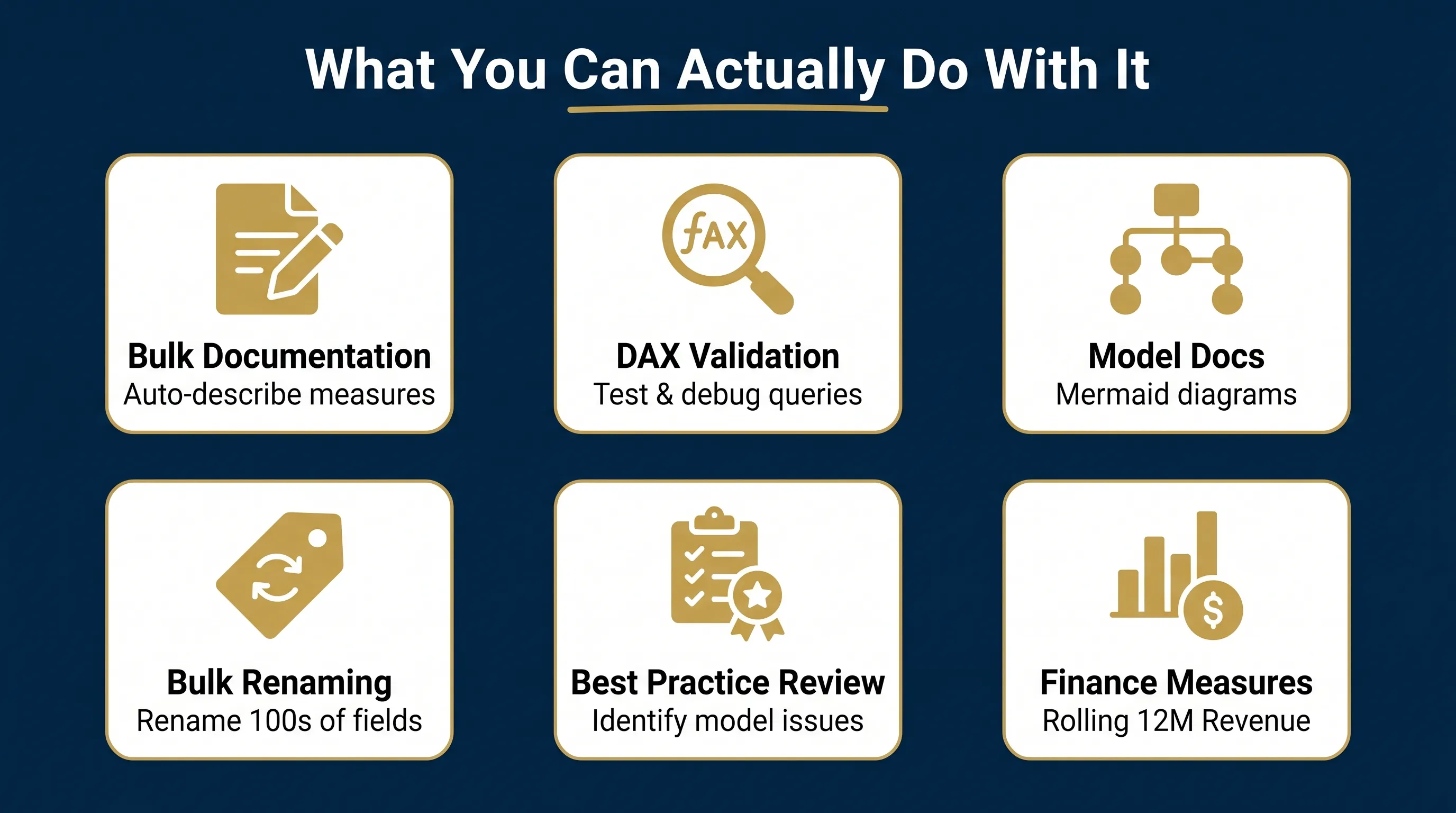
Bulk Documentation
Eliminate hours of manual documentation work by having the AI write business-friendly descriptions.
DAX Query Validation
Test measure results instantly without opening DAX Studio or the Performance Analyzer.
Bulk Renaming
Enforce naming conventions across large models automatically without tedious manual editing.
Model Documentation
Generate complete Markdown documentation including Mermaid diagrams and RLS lists.
Best Practice Review
Ask the AI to analyse your semantic model and identify any measures that do not follow Power BI best practices.
Finance-Specific Use Cases
Create complex DAX measures for financial KPIs instantly. For example, a finance team in Dubai (GCC) managing multi-currency consolidations can instruct the MCP to generate currency conversion measures automatically, which you can then visualise using Power Query transformed data.
Important Limitations and Security
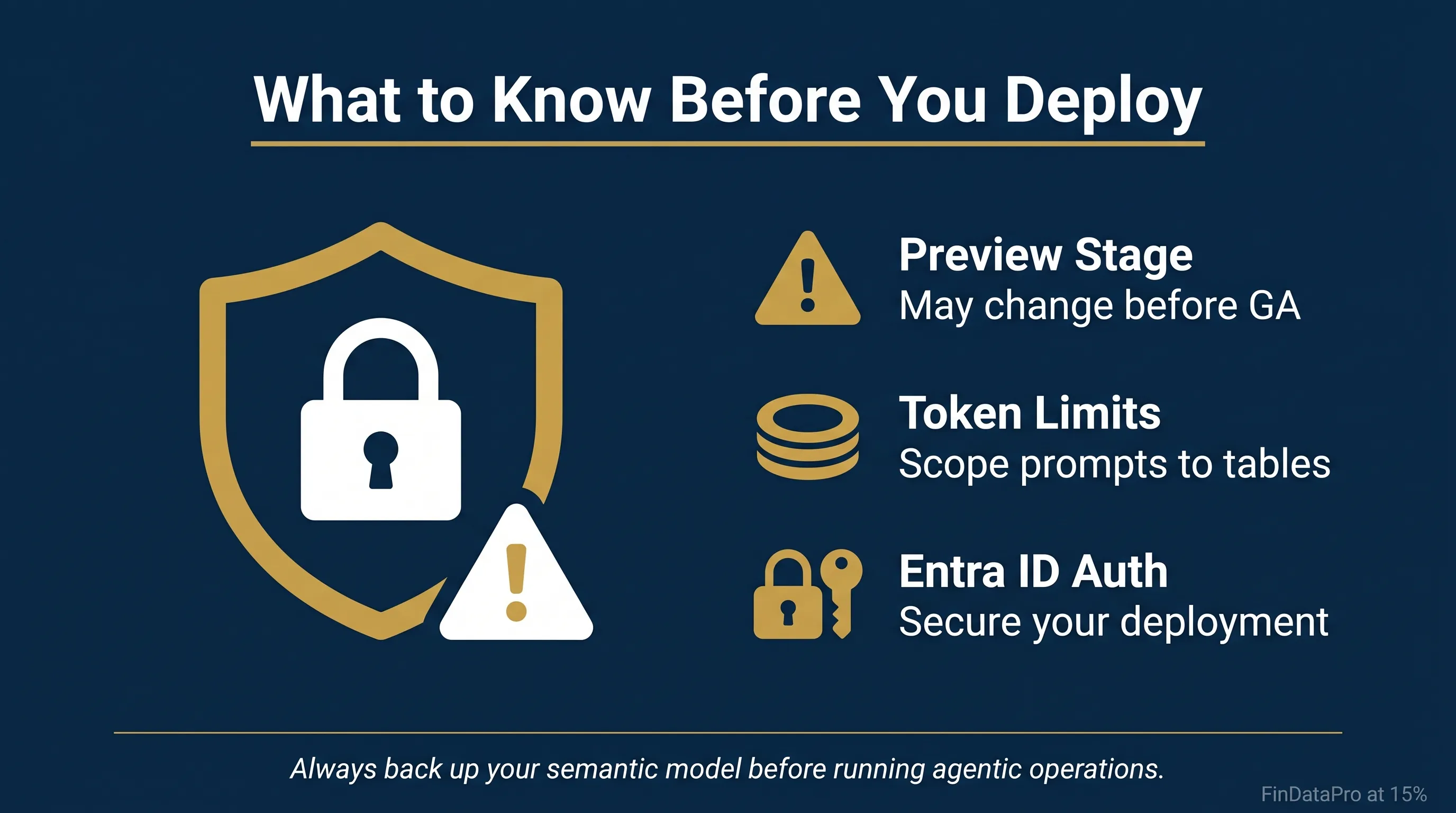
- No Visual Edits: The server cannot modify report pages, visuals, or diagram layouts. It focuses exclusively on data modelling.
- Token Limits: A medium-sized model.bim file (~26k lines of JSON) requires around 210,000 tokens. Scope your requests to specific tables or measure groups on large models, similar to how you would structure MACRS depreciation schedules, to avoid context degradation.
🚨Important Security Warning
Always create a backup before running agent operations. Generative AI may produce unexpected changes, especially with relationships or RLS rules. Ensure Entra ID authentication and network isolation are configured.
Recommended YouTube Resources
Official Power BI MCP: Quick Start Guide
Microsoft's official walkthrough for getting started immediately after launch.
Claude + Power BI Integration: MASSIVE Breakthrough via MCP
Demonstrates connecting Claude AI directly to Power BI semantic models using the MCP server.
Step-by-Step Installation Guide (VS Code + Claude)
Highly recommended for first-time setup covering both popular MCP host applications.
Setting Up the Power BI MCP
Covers creating relationships, improving DAX, and automating documentation inside VS Code and Claude.
Conclusion
Power BI is becoming conversational. MCP bridges generative AI and analytical BI, removing the friction between natural language and semantic modelling. You now have two clear paths: the local Modeling MCP for developers building models (works with free Power BI Desktop), and the remote MCP for cloud-based data querying (requires Fabric or PPU). As you scale these automated workflows, you can replicate complex reporting environments directly within FinDataPro's platform.
Start with the local Modeling MCP if you use Power BI Desktop regularly. It requires no additional licence and integrates directly with VS Code or Claude Desktop. Explore the official Microsoft documentation at Microsoft Learn and the GitHub repository at GitHub. This workflow shift is worth adopting now, before it reaches General Availability, fundamentally replacing manual DAX writing and tedious model documentation with AI-assisted efficiency.
Ready to Build Better Models?
If you want to streamline your analytics workflow, mastering advanced tools and AI integrations is essential. Check out our comprehensive training resources to elevate your Power BI skills.
Prashant Panchal is a Chartered Accountant (ACA) and Financial Modelling & Valuation Analyst (FMVA®) with 19 years of experience in finance, FP&A, and financial modelling across the GCC region. He is the founder of FinDataPro.
Discussion
Leave a Comment
Comments are moderated and appear once approved.