
Advanced Excel
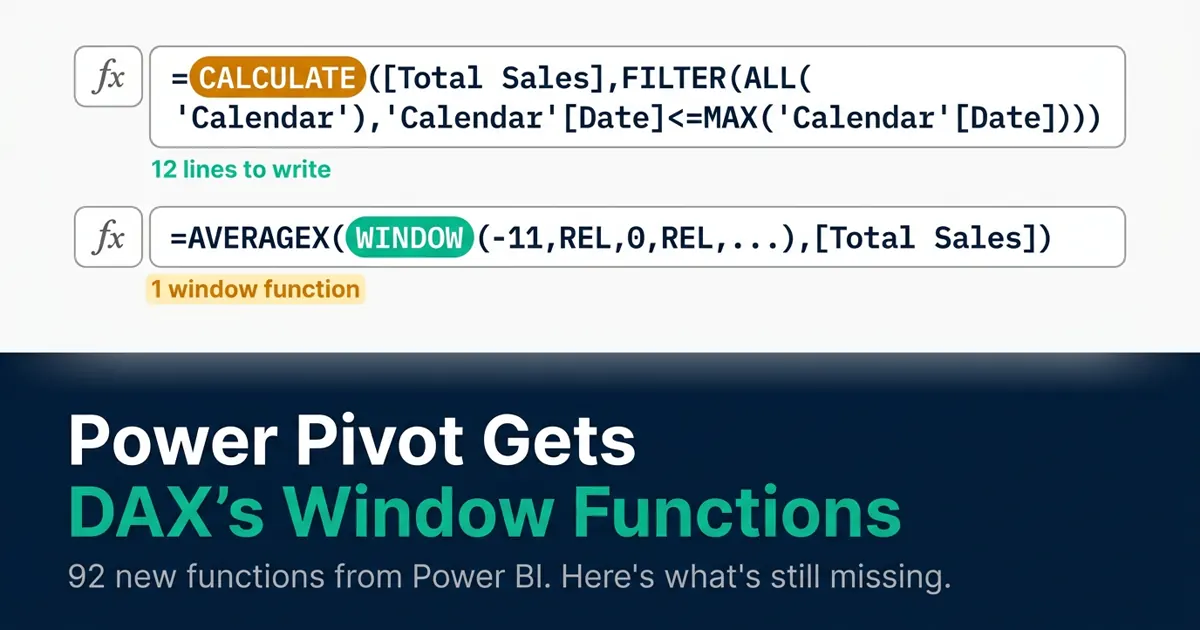
Power Pivot's 92 New DAX Functions From Power BI: What Actually Changed, and What's Still Missing in 2026
Microsoft brought 92 DAX functions from Power BI into Excel Power Pivot. Here's exactly what changed, how to check you have it, and what's still missing in 2026.

FILTER Function for GL Audit and AR Aging: Multi-Condition Boolean Logic for Accountants
Use Excel's FILTER function to build a self-updating AR ageing report and GL audit schedule with AND/OR logic, aging buckets, and a ranked chase list.
XLOOKUP for Intercompany Reconciliation: A Chart of Accounts Mapping Framework
Build a real intercompany reconciliation in Excel with XLOOKUP: multi-entity COA mapping, two-way matching, IFNA flags, and currency tolerance bands.

Power Query vs Excel Formulas for Account Reconciliation: A Decision Framework for Controllers
A five-criteria decision framework for choosing Power Query or dynamic array formulas for account reconciliation, with a worked bank rec example both ways.
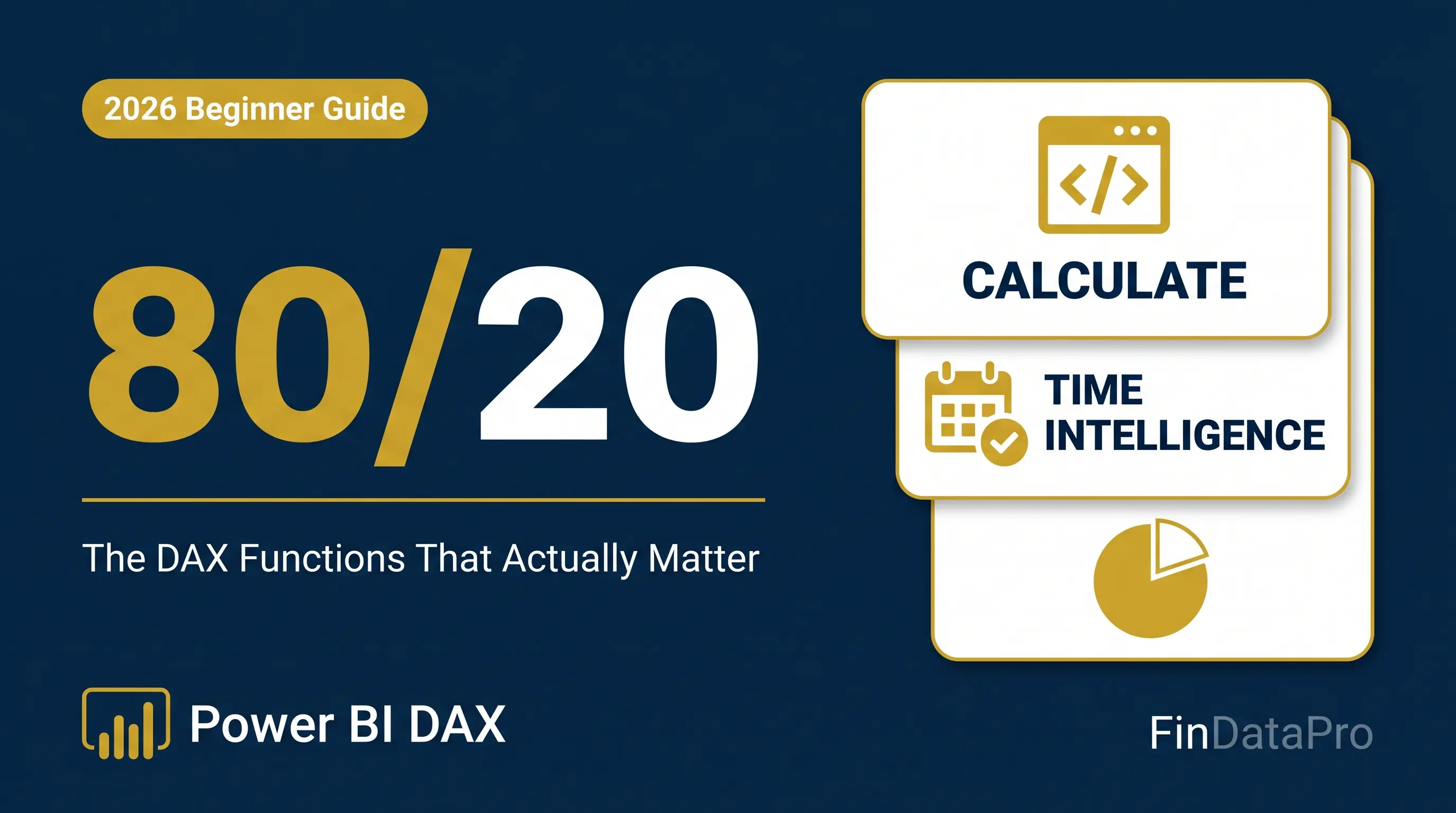
The DAX 80/20 Rule: Master 20% of Functions and Solve 80% of Your Power BI Problems
Learn the 20% of DAX functions that solve 80% of Power BI problems. Complete beginner roadmap with CALCULATE, time intelligence, and real examples.
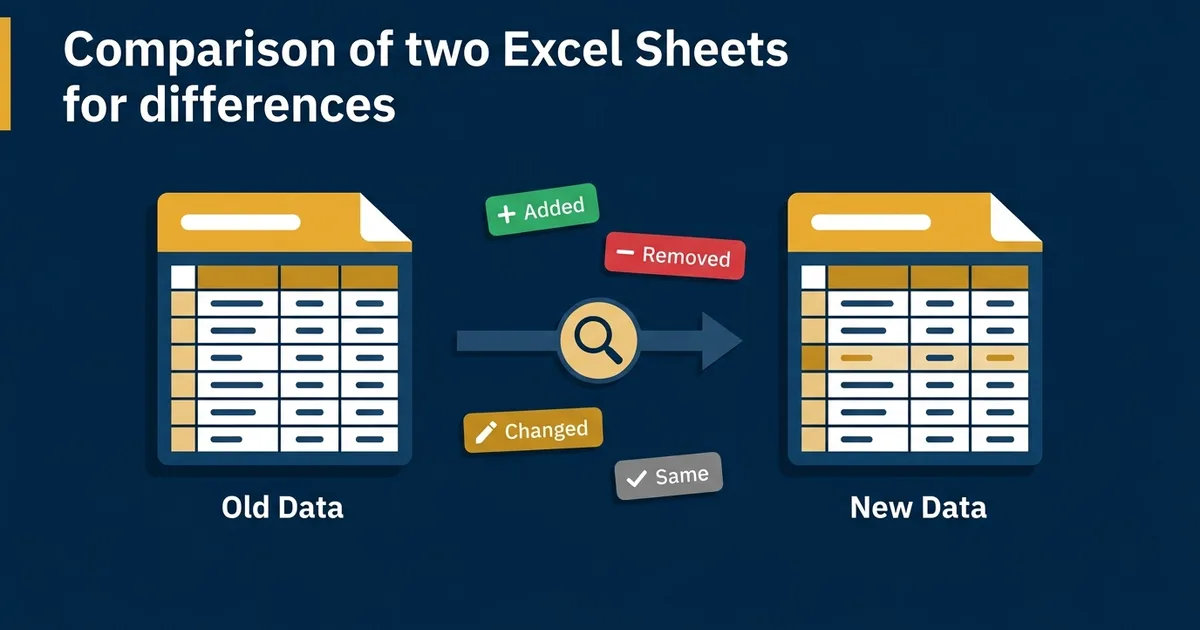
Compare Two Excel Sheets for Differences (Free Tool)
Stop hunting for sheet differences. Download a free workbook to compare Excel data cell by cell, locally. Safe, private, zero install needed.
XLOOKUP vs VLOOKUP for Accountants: The 2026 Guide
Should you ditch VLOOKUP? A complete comparison for accountants covering performance, risks, and migration strategies.
Excel VBA Workbook Events: Complete Automation Series
The FinDataPro VBA series hub. 20 dedicated guides for Workbook_Open, BeforeClose, Worksheet_Change, loops, error handling, performance, and advanced automation. Every macro finance-tested.
VBA Workbook_Open Event: Auto-Run a Macro When Excel Opens
Use the VBA Workbook_Open event to run a macro automatically every time a file opens — force-refresh links to a shared bank statement folder with zero manual steps.
VBA Workbook_BeforeClose Event: Stop Closing With Unsaved Work
Use Workbook_BeforeClose to block a reconciliation file from closing while it holds unposted entries — cancel the close, prompt to save, or force it, your choice.
VBA Worksheet_Change Event: Fire Code When a Cell Updates
Use Worksheet_Change to auto-flag a cell red the moment a budget variance breaches threshold — no button, no macro to remember, it just runs.
VBA Workbooks.Add: Create a New Workbook From Code
Use Workbooks.Add to spin up a new month-end working file from a template automatically — no manual File > New, no missed formatting.
VBA GetOpenFilename: A File Picker Dialog for Your Macros
Use Application.GetOpenFilename to let a macro ask the user which bank statement CSV to import — no hardcoded file paths to break next month.
VBA Protect Worksheet on Workbook Close: Re-Lock a Sheet Automatically
Use Workbook_BeforeClose to re-apply sheet protection the moment a shared workbook closes — the other half of the unprotect-on-open pattern.
VBA Close Workbook Without Saving: Skip the Save Prompt
Use Workbooks.Close SaveChanges:=False to batch-close month-end files without the save prompt — safe, deliberate, no data-loss risk.
VBA Loop Through Worksheets: Build a Consolidated P&L
Use a For Each ws In Worksheets loop to pull data from every monthly tab into one consolidated sheet — one macro, one pass, zero copy-paste.
VBA Check If Workbook Is Open: Prevent Duplicate-Open Errors
Loop Application.Workbooks to check if a file is already open before your macro opens it again — stop duplicate-open errors on shared drives.
VBA Loop Through Range of Cells: Flag Variance Outliers
Use a For Each cell In Range loop to test every cell in a budget-vs-actual sheet and flag variance outliers automatically.
VBA Message Box Yes No: Confirm Before Posting Entries
Use MsgBox with vbYesNo to build an approval gate before a macro posts journal entries — stop, confirm, and only proceed on Yes.
VBA Find Last Row: End(xlUp) vs CurrentRegion vs UsedRange
Compare three ways to find the last row in VBA and which one breaks on ERP exports with blank rows.
VBA Loop Through Files in a Folder: Batch-Import CSVs
Use the Dir() function to loop through every file in a folder and batch-import bank statement CSVs into one workbook.
VBA Copy Paste Values Only: Strip Formulas Before Archiving
Use PasteSpecial xlPasteValues, or the one-line .Value = .Value trick, to convert formula-driven schedules to static values.
VBA Error Handling: On Error GoTo, Not Resume Next
Why finance macros need On Error GoTo, not On Error Resume Next — a reconciliation macro that silently drops mismatches.
VBA Array vs Range Performance: Timer-Tested on 50,000 Rows
Timer-tested: looping 50,000 rows via Range vs an array. The performance difference is not trivial.
VBA Dictionary Object: Deduplicate a 10,000-Row AP Ledger
Use Scripting.Dictionary to deduplicate vendor names across a 10,000-row AP ledger in one pass — no library reference, no nested loops.
VBA Export to PDF: Auto-Generate Individual Payslips
Use ExportAsFixedFormat to auto-generate and save individual payslips or invoices as PDF, one file per row.
VBA Send Email From Excel via Outlook: Auto-Email AR Aging
Use late-bound CreateObject to send Outlook emails straight from Excel VBA — auto-email a customer-specific AR aging reminder.
VBA UserForm Data Entry: A No-Training Expense Logging Form
Build a VBA UserForm for expense data entry — no training required for non-finance staff, with validation before every submit.
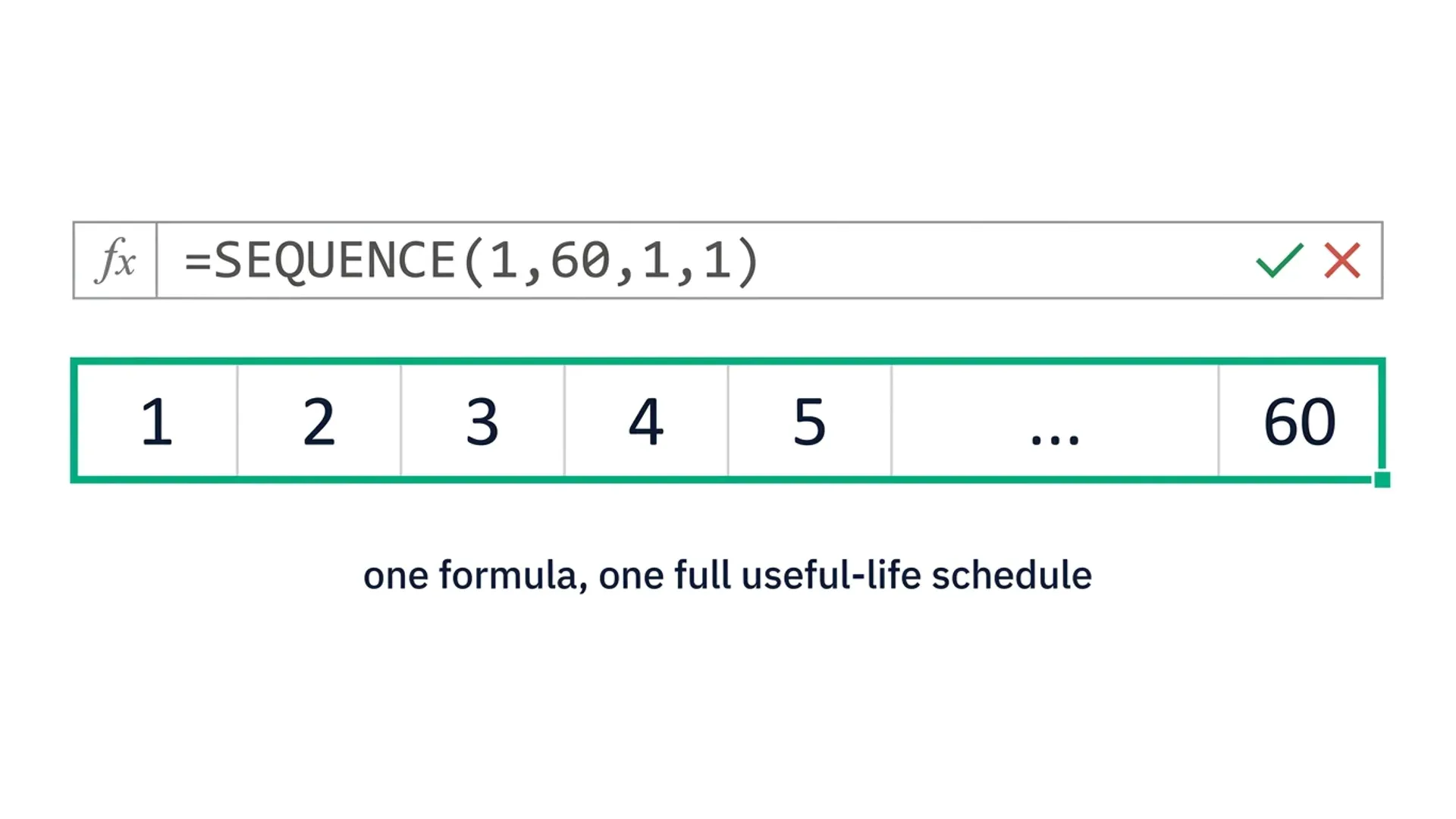
SEQUENCE Function in Excel: Building Dynamic Depreciation Schedules Without Drag-Copy
Use Excel's SEQUENCE function to generate a full depreciation schedule in one formula, straight-line and declining balance, with no drag-copy required.
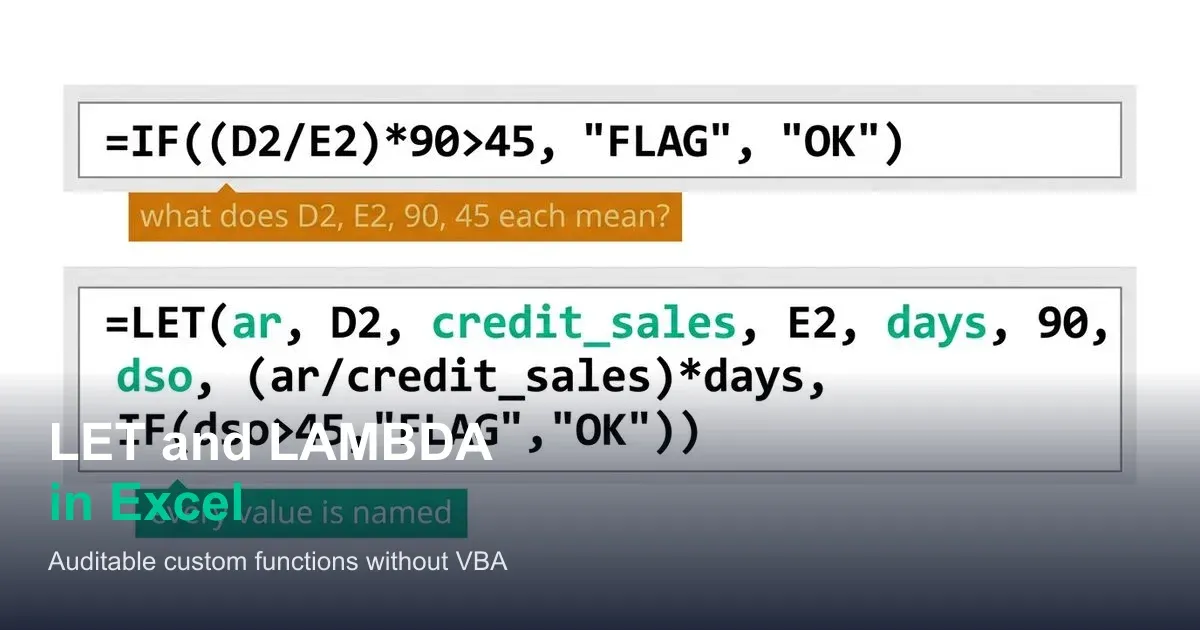
LET and LAMBDA in Excel: Writing Auditable Custom Functions Without VBA
Use LET to name intermediate steps in a formula and LAMBDA to build reusable custom functions in Excel, verified against a real DSO calculation.
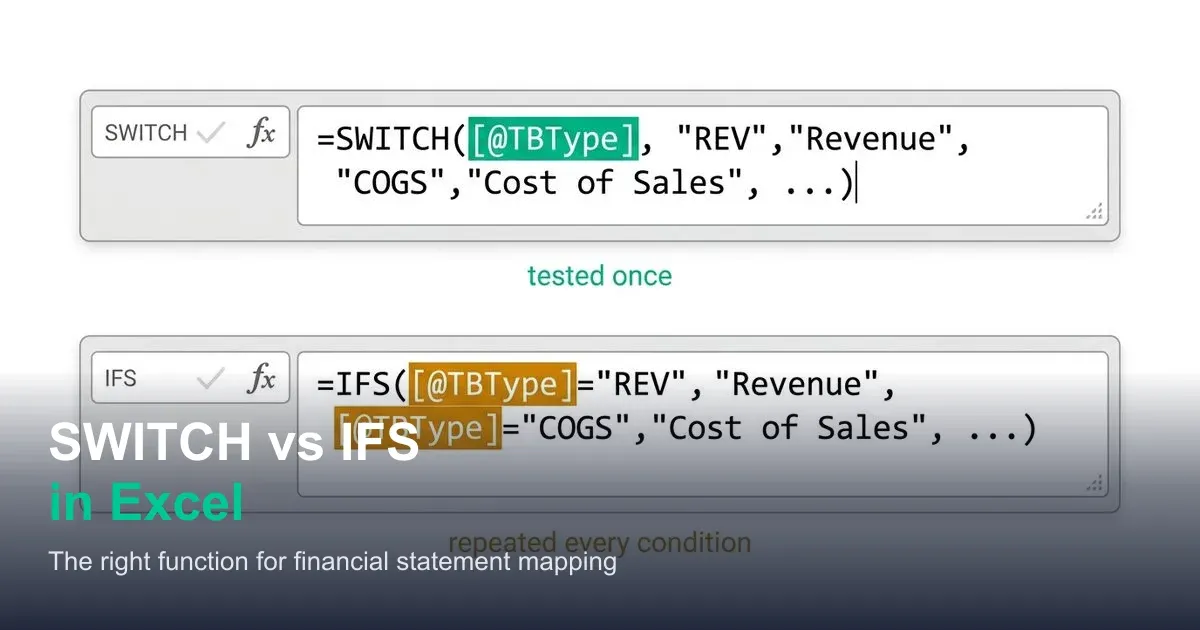
SWITCH vs Nested IFS in Excel: Which Is Right for Financial Statement Mapping
SWITCH and IFS solve different chart-of-accounts mapping problems. See exactly where each one fits, with a real GL mapping example for both.