
VBA Error Handling: On Error GoTo, Not Resume Next
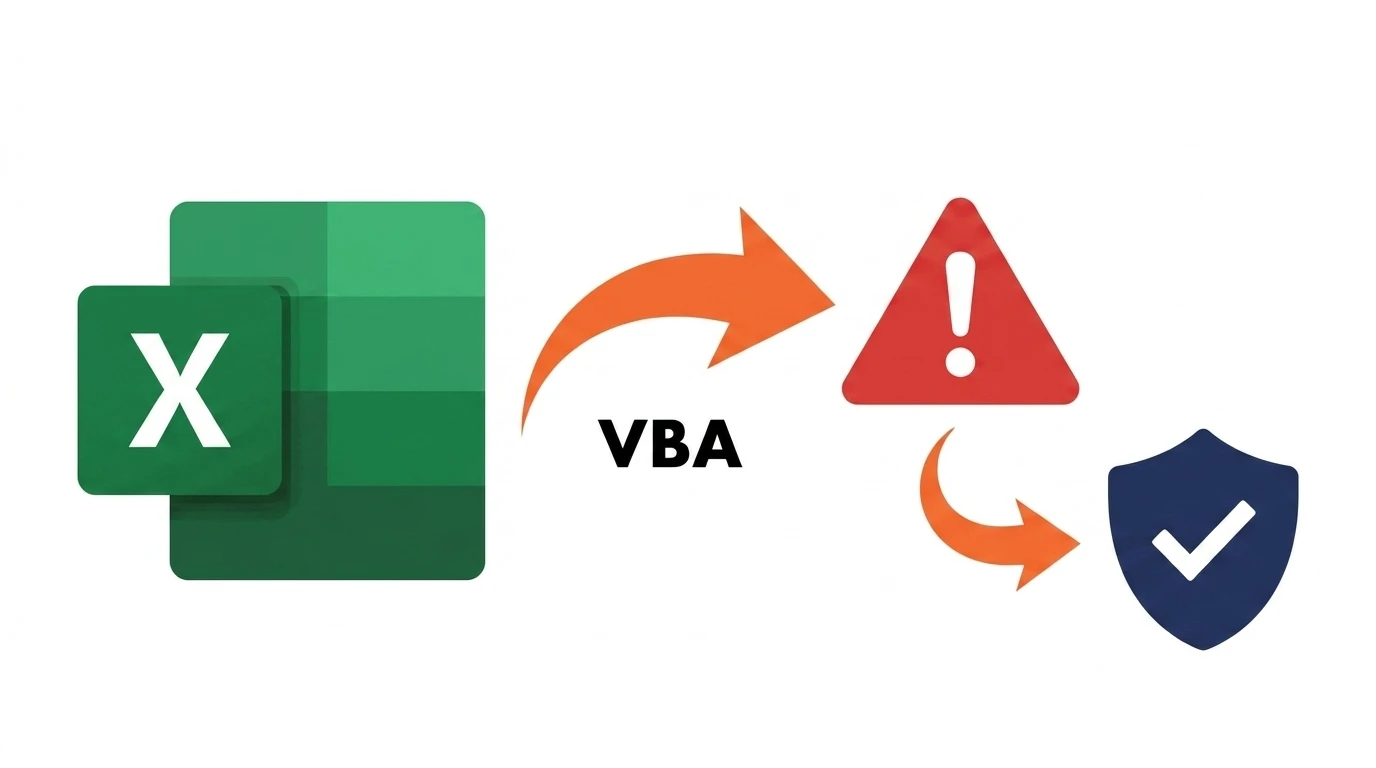
The vba error handling on error resume next search almost always leads finance macro authors to the wrong answer. On Error GoTo a labelled handler is the pattern that actually belongs in a reconciliation macro — Resume Next hides the exact failures you need to see.

ACA | FMVA® | 19 Years in Finance
This guide is part of the FinDataPro Excel VBA Workbook Events series.
The On Error GoTo Pattern
The correct shape for any macro with side effects:
Option Explicit

Sub ReconcileBankToBook()
    On Error GoTo ErrHandler

    Dim wsBank As Worksheet
    Dim wsBook As Worksheet
    Set wsBank = ThisWorkbook.Sheets("BankStatement")
    Set wsBook = ThisWorkbook.Sheets("BookRecords")

    ' ... matching logic here, any line can fail safely ...

    Exit Sub

ErrHandler:
    MsgBox "Reconciliation failed." & vbCrLf & _
           "Error " & Err.Number & ": " & Err.Description, vbCritical
End Sub
Any failure jumps straight to ErrHandler with the exact error number and description intact — nothing is silently swallowed.
Download the Example Workbook — Free
The working .xlsm file with a sample bank-to-book reconciliation and this error handler already wired up — trigger a type mismatch on purpose and see it fail loudly instead of silently.
Where the Code Goes
On Error GoTo ErrHandler goes at the very top of the Sub, immediately after the declarations. It pairs directly with MsgBox confirmation gates — a confirmed action that then fails silently is arguably worse than one that was never confirmed at all.
Finance Use Case: A Reconciliation Macro That Silently Drops Mismatches
A common failure mode: a macro wrapped in On Error Resume Next hits a type mismatch comparing a text-formatted amount cell against a number, silently skips that one comparison, and continues to the end reporting "Reconciliation Complete" — with one genuine mismatch never actually checked. On Error GoTo surfaces that failure immediately instead, at the exact line it happened.
When Resume Next Is Actually Fine
Resume Next is safe only when scoped to exactly one line you expect might fail, immediately turned back off:
On Error Resume Next
Set wsOptional = ThisWorkbook.Sheets("OptionalNotes")
On Error GoTo 0

If wsOptional Is Nothing Then
    ' Sheet doesn't exist — handle deliberately, don't just continue blind
End If
On Error GoTo 0 restores default error behaviour immediately after, so the suppression never leaks into the rest of the macro.
Skip the reconciliation macro's failure modes entirely
FinDataPro Compare Data matches two sheets without a single line of custom VBA error handling to get wrong.
See Compare DataCommon Mistakes
- Leaving
On Error Resume Nextactive for the rest of a long Sub instead of scoping it to one line withOn Error GoTo 0immediately after. - Forgetting
Exit Subbefore the error label, which runs the error handler even on a successful pass. - Showing a generic "something went wrong" message instead of the real
Err.NumberandErr.Description, which makes the failure impossible to diagnose later. - Not resetting
ErrwithErr.Clearif the same Sub needs to attempt recovery and continue after handling.
Related Guides on This Series
Pair this with MsgBox Yes/No confirmation gates, or see Array vs Range Performance for the next intermediate-tier pattern in this series.
Full reference: Microsoft Learn On Error statement reference.
Frequently Asked Questions
Why is Resume Next dangerous in a reconciliation macro?
It suppresses every error for the rest of the procedure, so a genuine mismatch further down silently does nothing while the macro still reports success.
What does On Error GoTo 0 do?
It restores default error behaviour, limiting a Resume Next suppression to exactly the one line intended.
Should every Sub have its own error handler?
Any Sub that writes data or handles money should. A pure read-only reporting macro can reasonably skip it.
How do I log the actual error, not a generic message?
Reference Err.Number and Err.Description inside the handler — both are populated automatically the moment an error is raised.
Conclusion
On Error GoTo a labelled handler surfaces exactly what failed and where, instead of hiding it behind a false "success" message. Reserve Resume Next for single lines you deliberately expect to fail, and pair proper error handling with Compare Data if the reconciliation logic itself is the risk you are trying to remove.
Prashant Panchal is a Chartered Accountant (ACA) and Financial Modelling & Valuation Analyst (FMVA®) with 19 years of experience in finance, FP&A, and financial modelling across the GCC region. He is the founder of FinDataPro.
Discussion
Leave a Comment
Comments are moderated and appear once approved.