
Excel VBA Macros
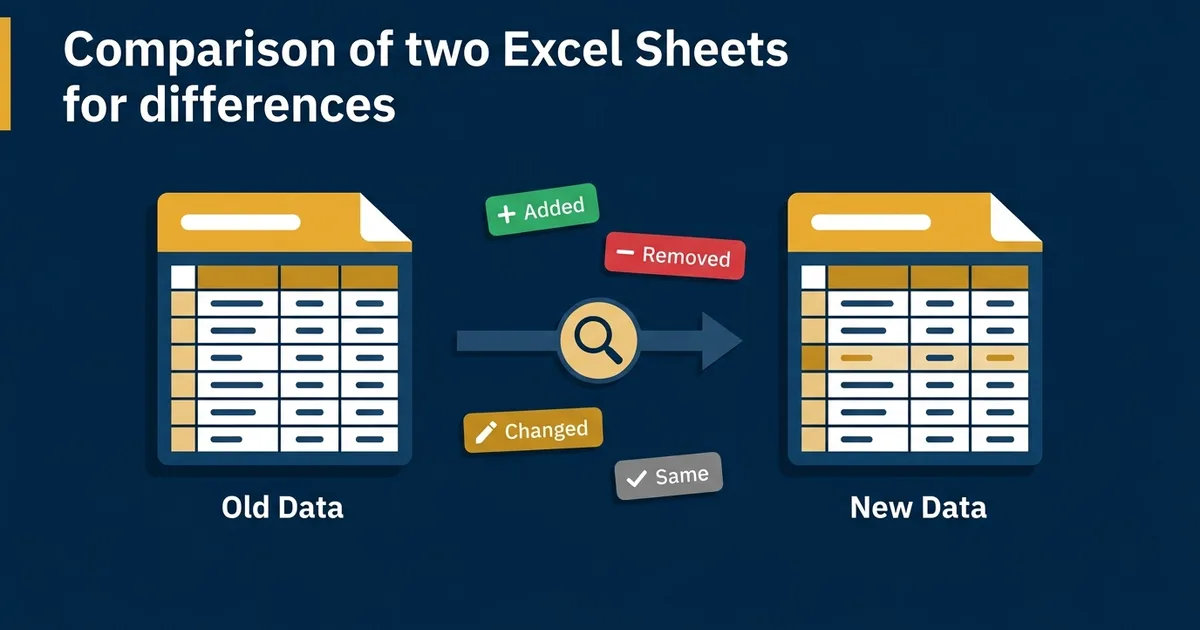
Compare Two Excel Sheets for Differences (Free Tool)
Stop hunting for sheet differences. Download a free workbook to compare Excel data cell by cell, locally. Safe, private, zero install needed.
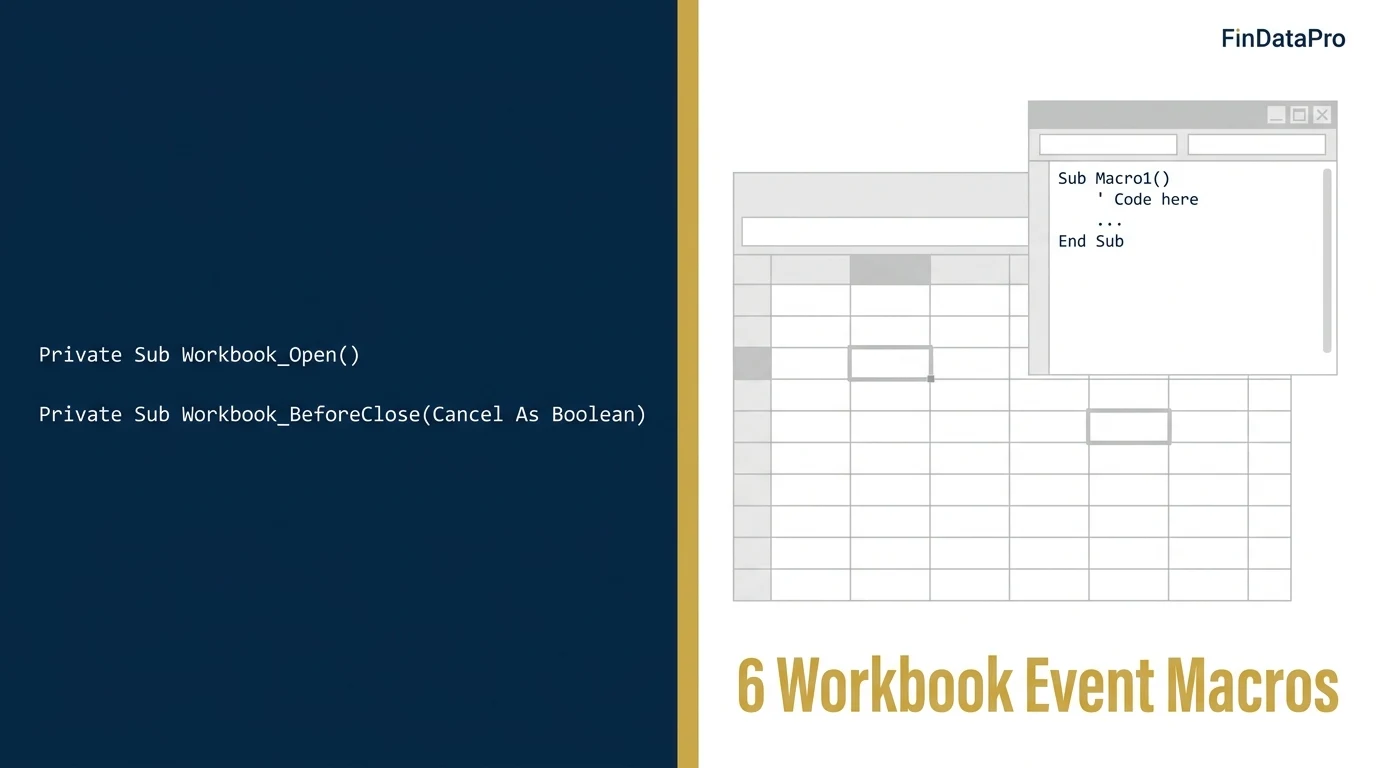
Excel VBA Workbook Events: Complete Automation Series
The FinDataPro VBA series hub. 20 dedicated guides for Workbook_Open, BeforeClose, Worksheet_Change, loops, error handling, performance, and advanced automation. Every macro finance-tested.
VBA Workbook_Open Event: Auto-Run a Macro When Excel Opens
Use the VBA Workbook_Open event to run a macro automatically every time a file opens — force-refresh links to a shared bank statement folder with zero manual steps.
VBA Workbook_BeforeClose Event: Stop Closing With Unsaved Work
Use Workbook_BeforeClose to block a reconciliation file from closing while it holds unposted entries — cancel the close, prompt to save, or force it, your choice.
VBA Worksheet_Change Event: Fire Code When a Cell Updates
Use Worksheet_Change to auto-flag a cell red the moment a budget variance breaches threshold — no button, no macro to remember, it just runs.
VBA Workbooks.Add: Create a New Workbook From Code
Use Workbooks.Add to spin up a new month-end working file from a template automatically — no manual File > New, no missed formatting.
VBA GetOpenFilename: A File Picker Dialog for Your Macros
Use Application.GetOpenFilename to let a macro ask the user which bank statement CSV to import — no hardcoded file paths to break next month.
VBA Protect Worksheet on Workbook Close: Re-Lock a Sheet Automatically
Use Workbook_BeforeClose to re-apply sheet protection the moment a shared workbook closes — the other half of the unprotect-on-open pattern.
VBA Close Workbook Without Saving: Skip the Save Prompt
Use Workbooks.Close SaveChanges:=False to batch-close month-end files without the save prompt — safe, deliberate, no data-loss risk.
VBA Loop Through Worksheets: Build a Consolidated P&L
Use a For Each ws In Worksheets loop to pull data from every monthly tab into one consolidated sheet — one macro, one pass, zero copy-paste.
VBA Check If Workbook Is Open: Prevent Duplicate-Open Errors
Loop Application.Workbooks to check if a file is already open before your macro opens it again — stop duplicate-open errors on shared drives.
VBA Loop Through Range of Cells: Flag Variance Outliers
Use a For Each cell In Range loop to test every cell in a budget-vs-actual sheet and flag variance outliers automatically.
VBA Message Box Yes No: Confirm Before Posting Entries
Use MsgBox with vbYesNo to build an approval gate before a macro posts journal entries — stop, confirm, and only proceed on Yes.
VBA Find Last Row: End(xlUp) vs CurrentRegion vs UsedRange
Compare three ways to find the last row in VBA and which one breaks on ERP exports with blank rows.
VBA Loop Through Files in a Folder: Batch-Import CSVs
Use the Dir() function to loop through every file in a folder and batch-import bank statement CSVs into one workbook.
VBA Copy Paste Values Only: Strip Formulas Before Archiving
Use PasteSpecial xlPasteValues, or the one-line .Value = .Value trick, to convert formula-driven schedules to static values.
VBA Error Handling: On Error GoTo, Not Resume Next
Why finance macros need On Error GoTo, not On Error Resume Next — a reconciliation macro that silently drops mismatches.
VBA Array vs Range Performance: Timer-Tested on 50,000 Rows
Timer-tested: looping 50,000 rows via Range vs an array. The performance difference is not trivial.
VBA Dictionary Object: Deduplicate a 10,000-Row AP Ledger
Use Scripting.Dictionary to deduplicate vendor names across a 10,000-row AP ledger in one pass — no library reference, no nested loops.
VBA Export to PDF: Auto-Generate Individual Payslips
Use ExportAsFixedFormat to auto-generate and save individual payslips or invoices as PDF, one file per row.
VBA Send Email From Excel via Outlook: Auto-Email AR Aging
Use late-bound CreateObject to send Outlook emails straight from Excel VBA — auto-email a customer-specific AR aging reminder.
VBA UserForm Data Entry: A No-Training Expense Logging Form
Build a VBA UserForm for expense data entry — no training required for non-finance staff, with validation before every submit.