
Free Tools
Free Excel eBooks
Advanced tips and guides for finance professionals
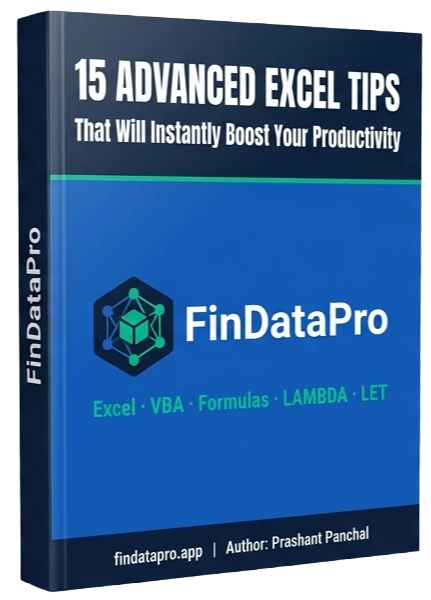
15 Advanced Excel Tips That Will Instantly Boost Your Productivity
Formulas · VBA · Lookups · LAMBDA · LET · Named Ranges · Custom Formatting
Most Excel users never go beyond VLOOKUP and SUM. This guide covers 15 advanced techniques the finance professionals actually use to build faster models, cleaner reports, and bulletproof spreadsheets. Every tip includes a difficulty rating and real-world accounting use case.
What's inside:
- Build custom reusable functions with LAMBDA and LET
- XLOOKUP for one-way, two-way, and multi-criteria lookups
- VBA shortcuts, named ranges, and custom number formatting
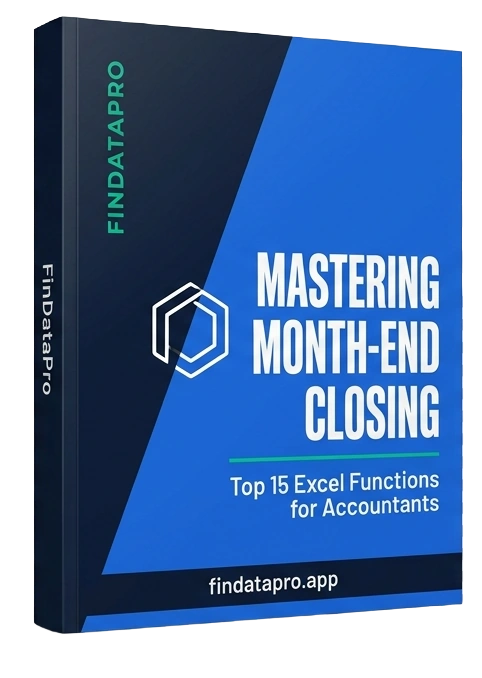
Mastering Month-End Closing: Top Excel Functions and Formulas for Accountants
SUMIFS · SUMPRODUCT · XLOOKUP · GROUPBY · PIVOTBY · FILTER · LET · EOMONTH
Month-end close shouldn't take as long as it does. This guide covers the Excel functions that accountants actually need, including GROUPBY and PIVOTBY from Excel 365. Every function includes a difficulty rating, real accounting scenarios, and modern alternatives to outdated approaches.
What's inside:
- GROUPBY and PIVOTBY for formula-based PivotTables
- XLOOKUP, FILTER, and SUMIFS for your month-end close
- An error-proofing chapter that catches problems before they cause issues
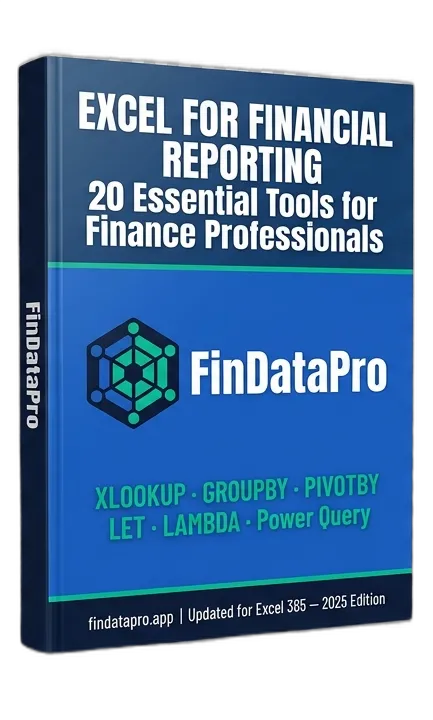
Excel for Financial Reporting: 20 Essential Tools for Finance Professionals
Formulas · Power Query · Charts · VBA · PivotTables · Custom Formatting · Data Validation
Financial reporting quality is determined by your Excel toolkit. This guide covers 20 essential tools from XLOOKUP and LAMBDA to Power Query automation and VBA macros, with real financial reporting examples for every single one. Built for finance professionals who want to produce board-ready reports faster.
What's inside:
- GROUPBY, PIVOTBY, and LAMBDA for the modern reporting stack
- Waterfall charts, combo charts, and conditional formatting for finance
- VBA macros for PDF export, paste values, and consolidating sheets
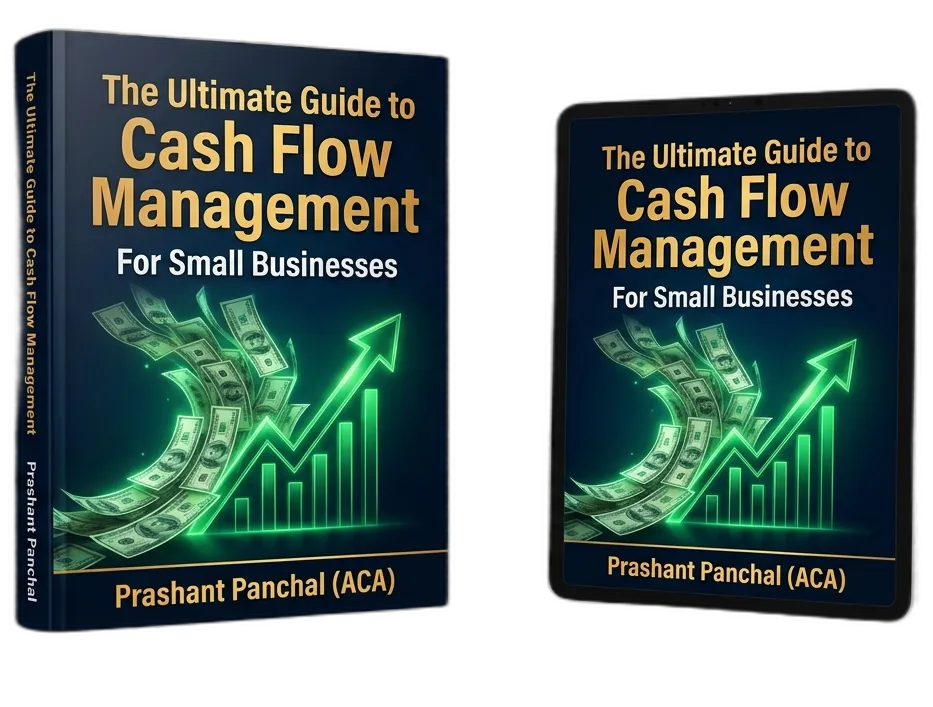
The Ultimate Guide to Cash Flow Management
For New and Small Businesses
Cash flow kills more businesses than bad ideas do. This guide cuts through the noise and gives you a clear, practical framework for understanding, forecasting, and managing cash flow. Whether you're just starting out or trying to fix a business that's bleeding cash without knowing why, it shows you exactly what to do.
What's inside:
- Cash flow fundamentals: what actually moves the needle
- Forecasting techniques that work for small and seasonal businesses
- Strategies for building cash reserves before you desperately need them
- The most common cash flow mistakes, and exactly how to avoid them
- How to use technology to automate and monitor your cash position
- When to outsource, when to DIY, and how to stay in control either way
Excel Dashboards and Visualisation
Free course resources for fully dynamic Excel dashboards

Build a Fully Dynamic Financial Dashboard
16-video step-by-step course · Free on YouTube
Most Excel dashboards look amateur and break the moment data changes. This playlist teaches you to build one that does not. A fully dynamic, visually polished financial dashboard that updates automatically and looks boardroom-ready.
Across 16 structured videos you will go from raw, messy financial data to a complete interactive dashboard with KPI cards, profit charts, cash flow visuals, and a professional background. The kind of output most analysts spend hours manually rebuilding every month.
What you'll build:
- Dynamic column charts for GP%, NP%, and Operating Cash Flow
- Max/Min performance charts that highlight outliers automatically
- A Sales Distribution Donut Chart for revenue composition
- Executive KPI cards showing at-a-glance performance summaries
- A professional dashboard background and pixel-perfect layout
Who this is for:
Finance analysts, accountants, FP&A professionals, and business owners who want to stop sending ugly spreadsheets and start sending reports that get read.
Get the course resources:
Power Query Dashboard: Zero Formulas, Fully Automated
Step-by-step course · Free on YouTube
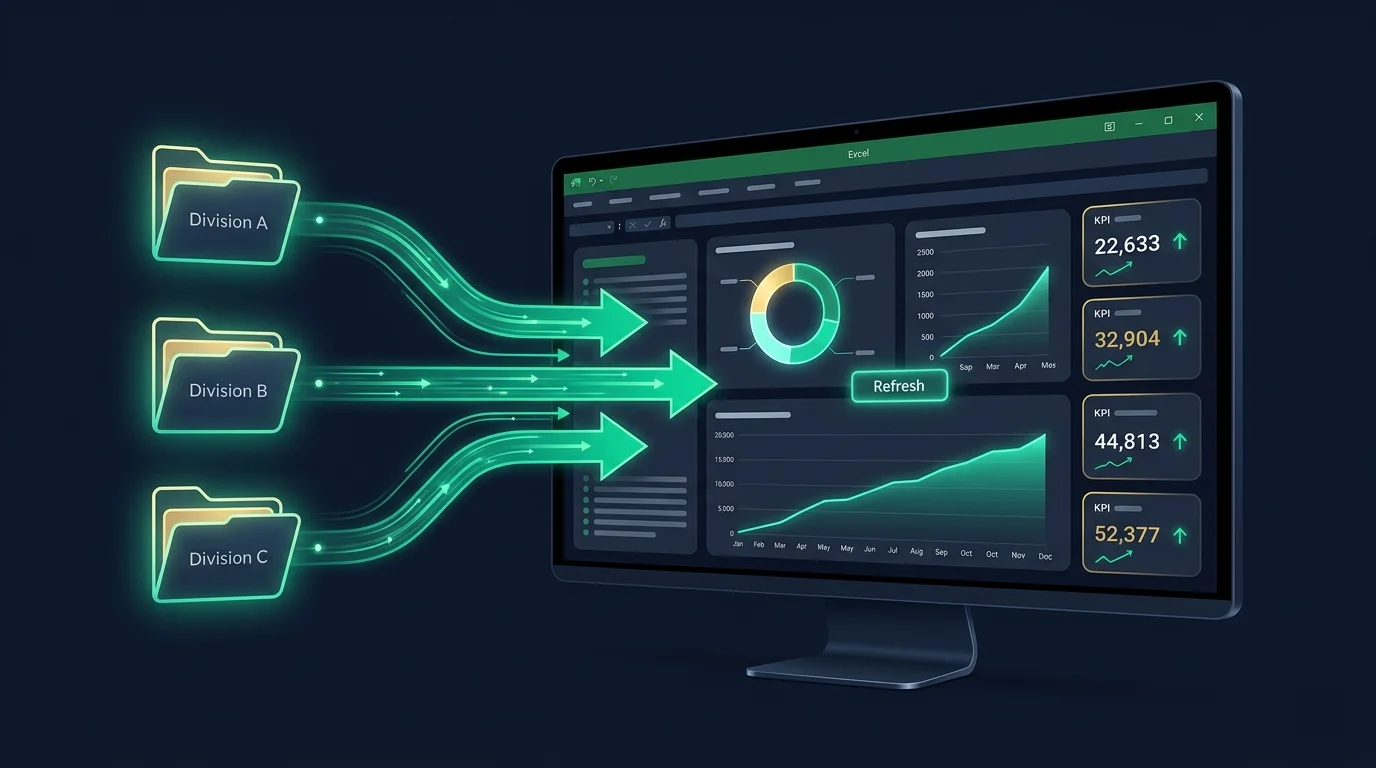
If you are still manually consolidating files every month, this playlist will change how you work forever. No formulas. No copy-pasting. No broken references when someone moves a folder. Just one click and your entire dashboard rebuilds itself.
Across structured videos you will go from scattered multi-division data files to a completely automated dashboard that updates instantly on refresh. The kind of setup that saves finance teams hours every single month.
What you'll build:
- Automated multi-division consolidation that scales instantly. Add new divisions with zero extra work.
- Dynamic donut charts for revenue and profit mix that never need manual updating
- Cumulative performance line charts that rebuild on every refresh
- A Pro parameter setup so the dashboard works on any machine without breaking
- A reusable Control Panel template your entire team can run independently
Who this is for:
Excel users ready to stop rebuilding the same reports every month: accountants, FP&A analysts, finance managers, and business owners who want full automation without learning to code.
Get the follow-along resources: