
VBA Worksheet_Change Event: Fire Code on Every Cell Edit
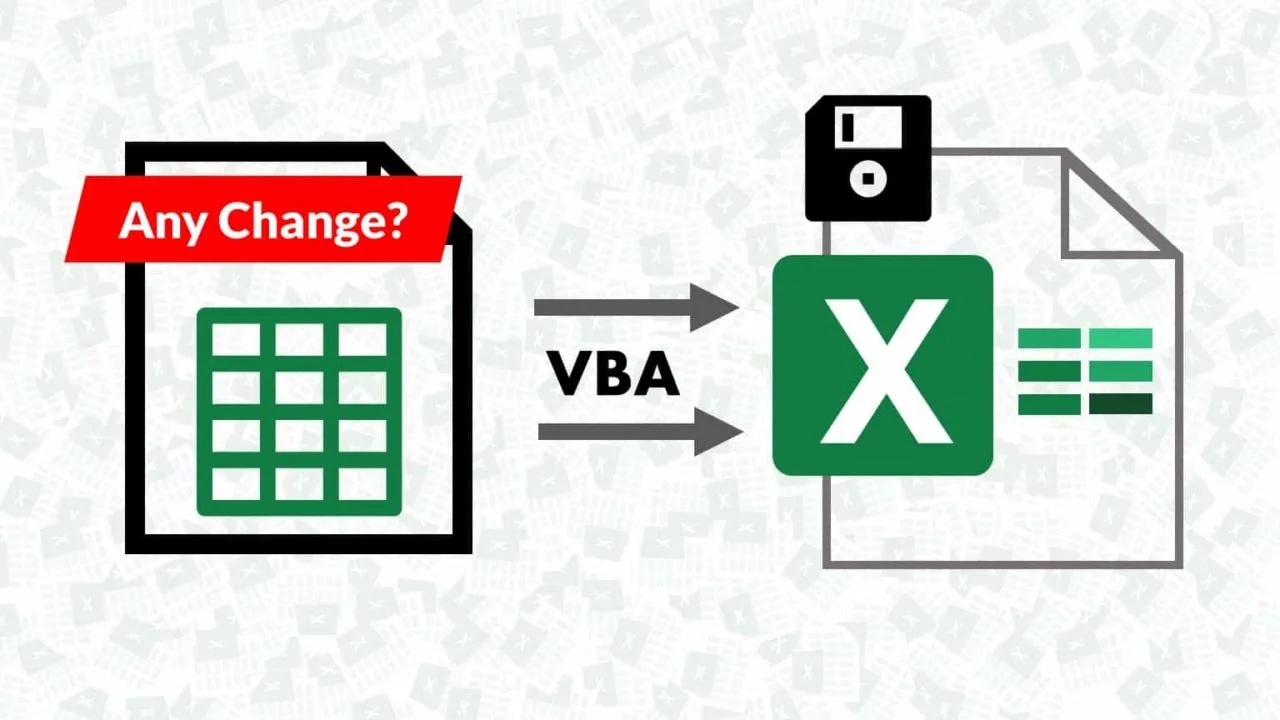
The VBA worksheet change event runs a macro automatically every time a cell's value changes on a specific sheet — type a number, paste a range, and your code fires without a button in sight.

ACA | FMVA® | 19 Years in Finance
This guide is part of the FinDataPro Excel VBA Workbook Events series.
What Is Worksheet_Change?
Paste this into the specific sheet's module (right-click the sheet tab → View Code):
Option Explicit

Private Sub Worksheet_Change(ByVal Target As Range)
    Dim cell As Range
    If Intersect(Target, Me.Range("C:C")) Is Nothing Then Exit Sub

    Application.EnableEvents = False
    For Each cell In Intersect(Target, Me.Range("C:C"))
        If Abs(cell.Value) > 0.1 Then
            cell.Interior.Color = RGB(255, 199, 199)
        Else
            cell.Interior.ColorIndex = xlNone
        End If
    Next cell
    Application.EnableEvents = True
End Sub
Every edit to column C — a variance percentage — is checked the instant it happens, and the cell turns red if it breaches a 10% threshold.
Download the Example Workbook — Free
The working .xlsm file with this Worksheet_Change variance-flagging macro already wired up — open it, inspect the sheet module, and adapt the threshold to your own tracker.
Where the Code Goes
Unlike workbook-level events, Worksheet_Change belongs in the module for the specific sheet you want to monitor — not ThisWorkbook, not a standard module. A budget sheet and a variance sheet each get their own copy if both need this behaviour.
Finance Use Case: Auto-Flagging Budget Variance
On a budget vs. actual tracker, a variance that crosses threshold needs attention now, not at the next monthly review when a formula-based conditional format finally gets noticed. Firing on the edit itself means whoever is entering actuals sees the flag the moment they type the number in — the review happens at data entry, not after the fact.
Avoiding the Infinite Loop
The single most common bug in Worksheet_Change: writing back to a cell inside the event without disabling events first. That write is itself a change, which fires Worksheet_Change again, which writes again — Excel appears to freeze. Application.EnableEvents = False before the write, and = True immediately after, is not optional. This event colours the cell itself rather than a separate cell, so the guard matters here more than in most event handlers.
Handling Multi-Cell Paste
Target is not always a single cell — pasting a column of actuals passes the whole range to Target at once. Looping with For Each cell In Target, as in the snippet above, handles single edits and bulk pastes identically without a type mismatch.
Scoping to the Relevant Column
Without the Intersect check, the macro would run on every single edit anywhere on the sheet — column headers, notes, unrelated cells. Checking Intersect(Target, Me.Range("C:C")) first and exiting if it is Nothing keeps the logic confined to the variance column alone.
Related Guides on This Series
Pair this with Loop Through Range of Cells for a manually-triggered variant of the same flagging logic, or MsgBox Yes/No to confirm with the user before a flagged variance triggers any further action.
Full reference: Microsoft Learn Worksheet.Change event reference.
Comparing two versions of a budget sheet by hand?
FinDataPro Compare Data finds every difference between two Excel sheets automatically — no VBA required for the comparison itself.
See Compare DataFrequently Asked Questions
Why did my macro cause Excel to freeze?
Writing back to a cell inside Worksheet_Change without disabling events first triggers Change again, creating an infinite loop. Wrap writes in Application.EnableEvents = False / True.
Does Worksheet_Change fire for formula recalculation?
No. It only fires on a direct value change — typing, pasting, deleting. Recalculation from a dependent formula changing is Worksheet_Calculate instead.
Can I limit the event to one column?
Yes — use Intersect(Target, Me.Range("C:C")) and exit if it returns Nothing.
What happens on a multi-cell paste?
Target can represent several cells at once. Loop through each cell in Target rather than assuming a single value, to avoid a type mismatch.
Conclusion
Worksheet_Change turns manual variance review into something that fires at the moment of entry. Scope it to the relevant column, guard against the infinite-loop trap with EnableEvents, and loop through Target to handle pastes safely. For comparing entire sheets rather than single cells, see Compare Data.
Prashant Panchal is a Chartered Accountant (ACA) and Financial Modelling & Valuation Analyst (FMVA®) with 19 years of experience in finance, FP&A, and financial modelling across the GCC region. He is the founder of FinDataPro.
Discussion
Leave a Comment
Comments are moderated and appear once approved.