
What is Power Query?(And Why It Beats VLOOKUP Every Time)
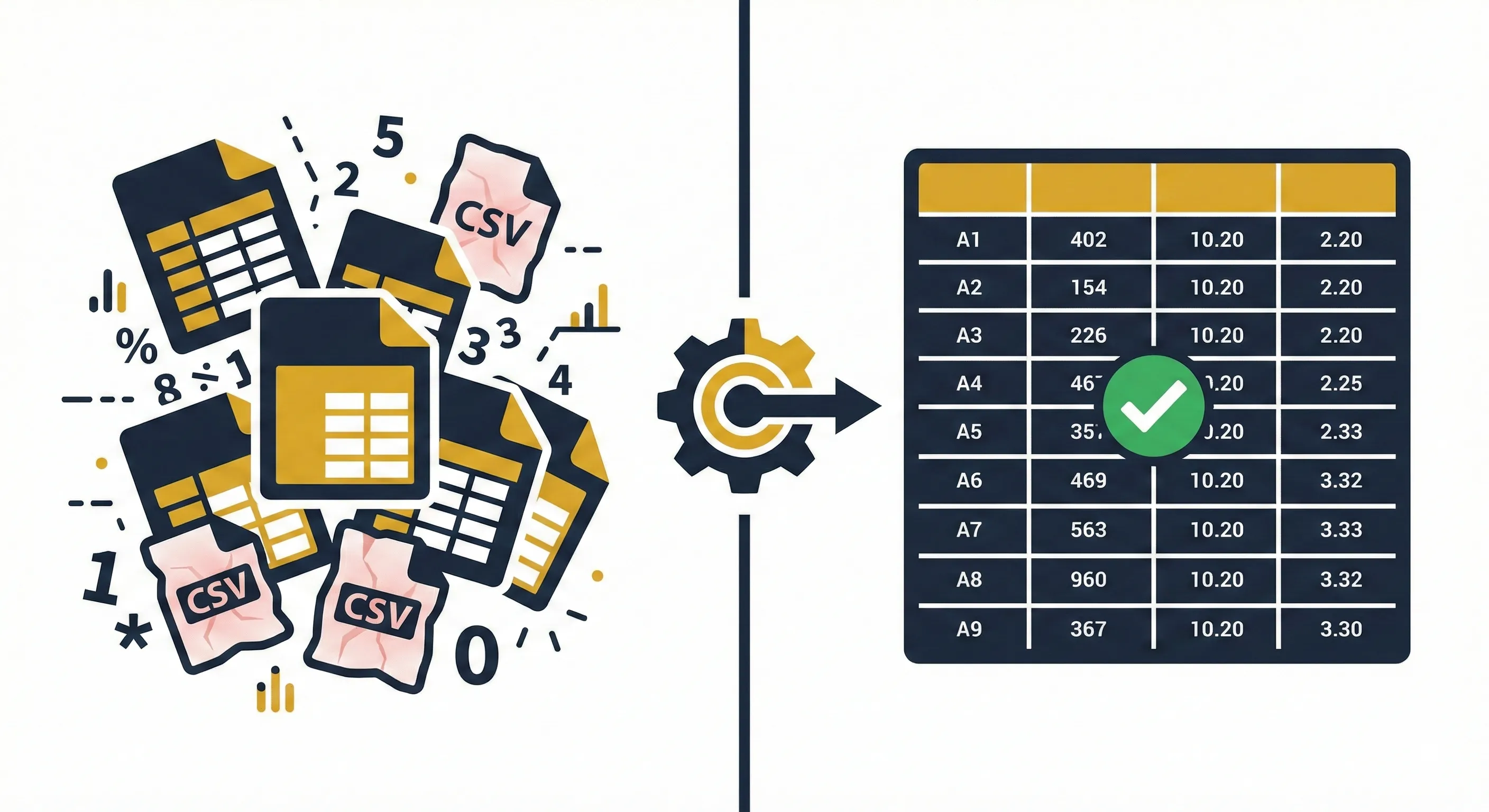
It's Friday afternoon. You have just received the monthly sales report. It looks exactly like last month's report-which means it's broken in exactly the same way. The dates are text. The headers are wrong. There are 12 blank rows at the top.
If you open Excel and start deleting rows manually, you're doing it the hard way. If you click one button and watch the data clean itself, you are using Power Query.
#1The "Washing Machine" Analogy: Understanding ETL
Most of us are stuck in a cycle of manual cleaning. We call this being a "Data Janitor." You spend 80% of your time mopping up messy data and only 20% analyzing it.
Power Query is Microsoft's answer to this. Technically, it is an ETL tool (Extract, Transform, Load). But that sounds boring. Let's think of it as a Washing Machine for Data.

The Old Way: Scrubbing by Hand
Every time you get dirty clothes (data), you take them to the river and scrub them by hand. It takes 2 hours. If you get more clothes tomorrow, you have to scrub them for another 2 hours. It is manual, tiring, and inconsistent.
The Power Query Way
You build the machine once. You tell it: "Wash at 40 degrees, spin, then dry." Next time you get dirty clothes, you just throw them in and press Start. The machine does the exact same job, perfectly, in seconds.
When you use Power Query, you aren't just cleaning data; you are recording the steps of cleaning data. These steps adhere to the data, not the file. When the file updates, the steps re-run.
#2The Mental Shift: From Cells to Columns
This is where most beginners fail. If you have used Excel for 10 years, your brain is wired to think in Cells (A1, B12, C99). You think: "I need to delete the value in cell D5."
Power Query does not know what "Cell D5" is. It doesn't care. Power Query thinks in Columns and Tables.

- ❌Excel Mindset: "Check if cell A2 is 'US', then multiply B2 by 1.1."
- ✅Power Query Mindset: "Filter the 'Country' column to 'US'. Transform the entire 'Price' column by multiplying by 1.1."
Why does this nuance matter? Because Columns Scale; Cells Don't. If your data grows from 100 rows to 1,000,000 rows, a cell-based formula drags your computer to a halt. A column-based transformation in Power Query takes nearly the same amount of effort for the engine. It is built for scale.
#3Power Query vs. VBA: The Honest Truth
For years, VBA (Macros) was the only way to automate Excel. But VBA is hard to learn. Worse, it breaks if you look at it wrong.
If someone inserts a column in your source data, your VBA script referencing "Column F" breaks instantly. You have to debug code. It's a nightmare.
Power Query, on the other hand, references columns by Name, not position. If you move the "Total Sales" column to the end of the file, Power Query finds it immediately. It is resilient.
| Feature | VBA (Macros) | Power Query |
|---|---|---|
| Skill Curve | Steep (Programming) | Low (Buttons & Format) |
| Maintenance | High (Code breaks easily) | Low (Self-documenting steps) |
| Undo Button | None (Destructive) | Infinite (Delete any step) |
| Web Data | Complex scraping code | Native Web Connector |
#4Real-World Nuance: 3 Examples That Save Hours
📁From Folder: The "Daily Report" Killer
The Scenario: You receive a daily CSV file: sales_jan_01.csv, sales_jan_02.csv, etc. By the end of the month, you have 30 files.
The Old Way: Open File 1, Copy. Open Master, Paste. Open File 2, Copy... repeat until you lose your mind.
The Power Query Way: You don't connect to the file. You connect to the Folder. Power Query looks inside, sees 30 files, and asks: "Do you want to combine these?" You say yes. It stacks them into one massive table. When sales_jan_31.csv drops in the folder tomorrow, you just click Refresh. It is detected and added automatically.
🔄Unpivot: Fixing Bad Financial Formats
The Scenario: Your accounting software exports data with months as columns: Account | Jan | Feb | Mar .... This looks nice to humans, but it is useless for Pivot Tables.
The Power Query Way: You select the Account column, right-click, and choose "Unpivot Other Columns." Instantly, your wide table becomes a tall table: Account | Month | Value. Now you can pivot, chart, and analyze it perfectly. This single feature alone is worth learning Power Query.
🧹Fuzzy Matching: The VLOOKUP Savior
The Scenario: You are matching two lists of companies. List A has "Microsoft". List B has "Microsoft Corp." or "Msft". A standard VLOOKUP returns #N/A.
The Power Query Way: When merging (joining) tables, you can check a box called "Use Fuzzy Matching". You can even set a similarity threshold (e.g., 0.8). It intelligently understands that "Coca-Cola" and "Coca Cola Inc" are likely the same thing. This saves hours of manual eye-balling.
#5The "Gotchas" No One Tells Beginners
If you are diving in today (check our installation guide first), you are taking the first step toward the AI Advantage. But watch out for these traps:
- Data Types are Sacred: Excel is loose with data types. Power Query is strict. See our Data Types Deep-Dive for more.
- Case Sensitivity: Power Query is case-sensitive. "Apple" does not equal "apple".
- Step Names Matter: Rename default names like "Changed Type" immediately to something human-readable.
Frequently Asked Questions
Can Power Query break my original data?
No. Power Query is read-only on the source. It reads the data, transforms it in memory, and spits out a newline table. Your original messy CSV remains untouched and safe.
Is "M" code required?
The background language is called M. However, 95% of users never write it. The ribbon buttons write the code for you. It's similar to how you don't need to know HTML to use Microsoft Word.
Does it work with SharePoint and OneDrive?
Yes. You can connect to files stored in SharePoint or OneDrive folders using the "Web" or "SharePoint Folder" connector. This is the gold standard for team collaboration.
Is Power Query free?
Yes. If you have Excel 2016, 2019, 2021, or Office 365, it is built-in. For Excel 2010/2013, it is a free add-in from Microsoft. There is no extra monthly cost.
What is the difference between Power Query in Excel vs. Power BI?
The engine is 100% the same. However, Power BI usually receives updates first. If you know how to use it in one, you automatically know how to use it in the other.
Where is the "Get & Transform" button?
In Excel 2016 and later, go to the Data tab on the ribbon. Look for the section named "Get & Transform Data". That is Power Query.
Stop Being a Data Janitor
The transition from "Excel User" to "Data Pro" starts with Power Query. Download our free practice templates and try your first "Unpivot" today.